> ## Documentation Index
> Fetch the complete documentation index at: https://support.rallly.co/llms.txt
> Use this file to discover all available pages before exploring further.
# White Labeling
> Customize the branding of your self-hosted Rallly instance
These options are available from v4.6.0 and later and require an Enterprise license with a white-label add-on.
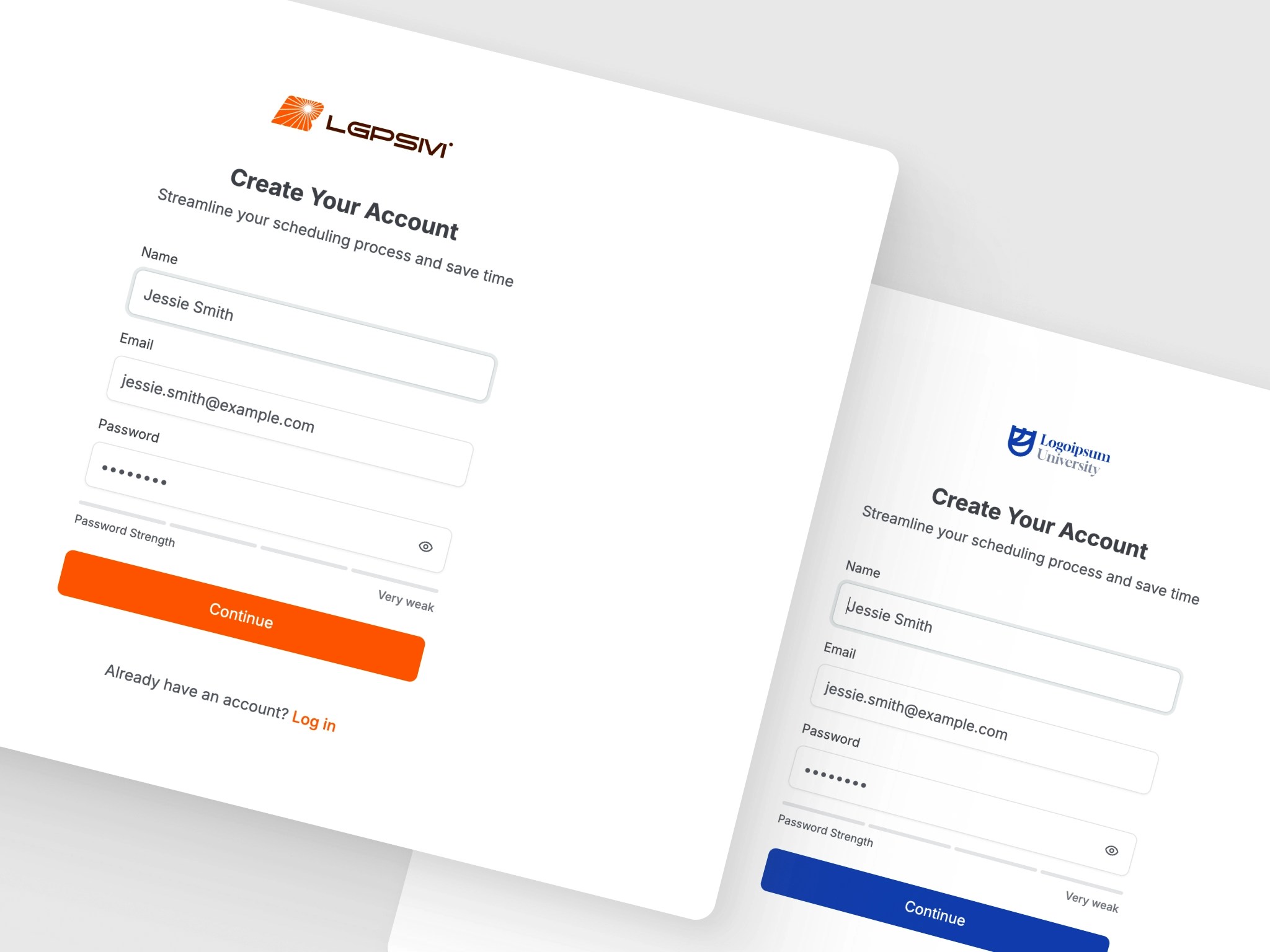 White labeling allows you to customize the appearance of your Rallly instance to match your organization's branding. You can change the application name, primary colors, logos, and hide attribution text.
## What You Can Customize
* **Application Name** - Change the name displayed in page titles, navigation, and emails
* **Primary Colors** - Set custom brand colors for both light and dark modes
* **Logos** - Use your own logos for the application and emails
* **Attribution** - Hide the "Powered by Rallly" text in polls and emails
## Configuration
All white labeling options are configured via environment variables. See the [Configuration Options](/self-hosting/configuration#branding) page for the full list of available settings.
## Example
Add your white labeling values to the `.env` file at the root of your self-hosted stack, then apply them with `./rallly.sh restart`:
```sh theme={null}
# White labeling
APP_NAME="Acme Scheduler"
PRIMARY_COLOR="#0066cc"
PRIMARY_COLOR_DARK="#3399ff"
LOGO_URL="https://example.com/logo.svg"
LOGO_URL_DARK="https://example.com/logo-dark.svg"
LOGO_ICON_URL="https://example.com/icon.png"
HIDE_ATTRIBUTION="true"
```
## Viewing Current Settings
You can view the current branding configuration in the [Control Panel](/self-hosting/control-panel) under the **Branding** section. These settings are read-only in the UI and must be changed via environment variables.
## Requirements
* **Enterprise License with White Label Add-on**: White labeling features are only available with an active Enterprise license that includes the white label add-on.
* Without the add-on, your instance will use the default Rallly branding regardless of environment variable settings.
To inquire about Enterprise licensing, please fill out our [Enterprise Requirements Survey](https://app.formbricks.com/s/cmebvnf2ohvjkt901eefxsonr).
White labeling allows you to customize the appearance of your Rallly instance to match your organization's branding. You can change the application name, primary colors, logos, and hide attribution text.
## What You Can Customize
* **Application Name** - Change the name displayed in page titles, navigation, and emails
* **Primary Colors** - Set custom brand colors for both light and dark modes
* **Logos** - Use your own logos for the application and emails
* **Attribution** - Hide the "Powered by Rallly" text in polls and emails
## Configuration
All white labeling options are configured via environment variables. See the [Configuration Options](/self-hosting/configuration#branding) page for the full list of available settings.
## Example
Add your white labeling values to the `.env` file at the root of your self-hosted stack, then apply them with `./rallly.sh restart`:
```sh theme={null}
# White labeling
APP_NAME="Acme Scheduler"
PRIMARY_COLOR="#0066cc"
PRIMARY_COLOR_DARK="#3399ff"
LOGO_URL="https://example.com/logo.svg"
LOGO_URL_DARK="https://example.com/logo-dark.svg"
LOGO_ICON_URL="https://example.com/icon.png"
HIDE_ATTRIBUTION="true"
```
## Viewing Current Settings
You can view the current branding configuration in the [Control Panel](/self-hosting/control-panel) under the **Branding** section. These settings are read-only in the UI and must be changed via environment variables.
## Requirements
* **Enterprise License with White Label Add-on**: White labeling features are only available with an active Enterprise license that includes the white label add-on.
* Without the add-on, your instance will use the default Rallly branding regardless of environment variable settings.
To inquire about Enterprise licensing, please fill out our [Enterprise Requirements Survey](https://app.formbricks.com/s/cmebvnf2ohvjkt901eefxsonr).