

- Collaboration on — members work together. Everyone in the space can see and manage everything created in it, including polls and events created before collaboration was turned on.
- Collaboration off (the default) — members work independently. Everyone, including admins and the owner, only sees what they create themselves.
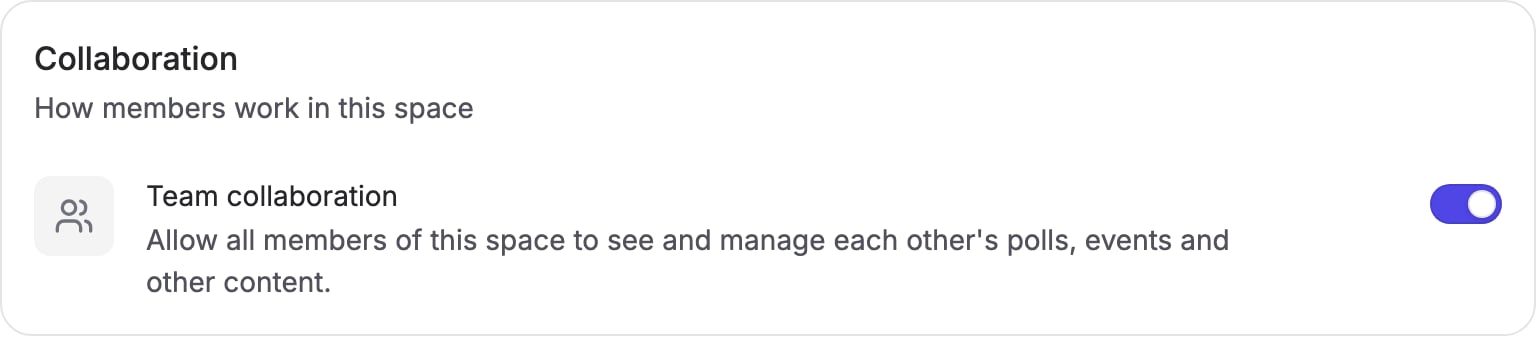
Turning collaboration on or off
1
Open your space settings
Go to Settings → General and find the Collaboration section. You
need to be an admin of the space.
2
Toggle Team collaboration
Turn the Team collaboration switch on or off, then press Save.
What it affects
Collaboration controls visibility between members inside the space: polls, events, and anything else created in it. It does not affect sharing with people outside the space. Invite links and participant pages work the same in both modes, so anyone you share a poll with can always vote on it.Roles and visibility
Roles grant management capabilities, not visibility:- Owner — manages billing, members, and space settings
- Admin — manages members and space settings
- Member — creates and manages their own polls and events