Overview
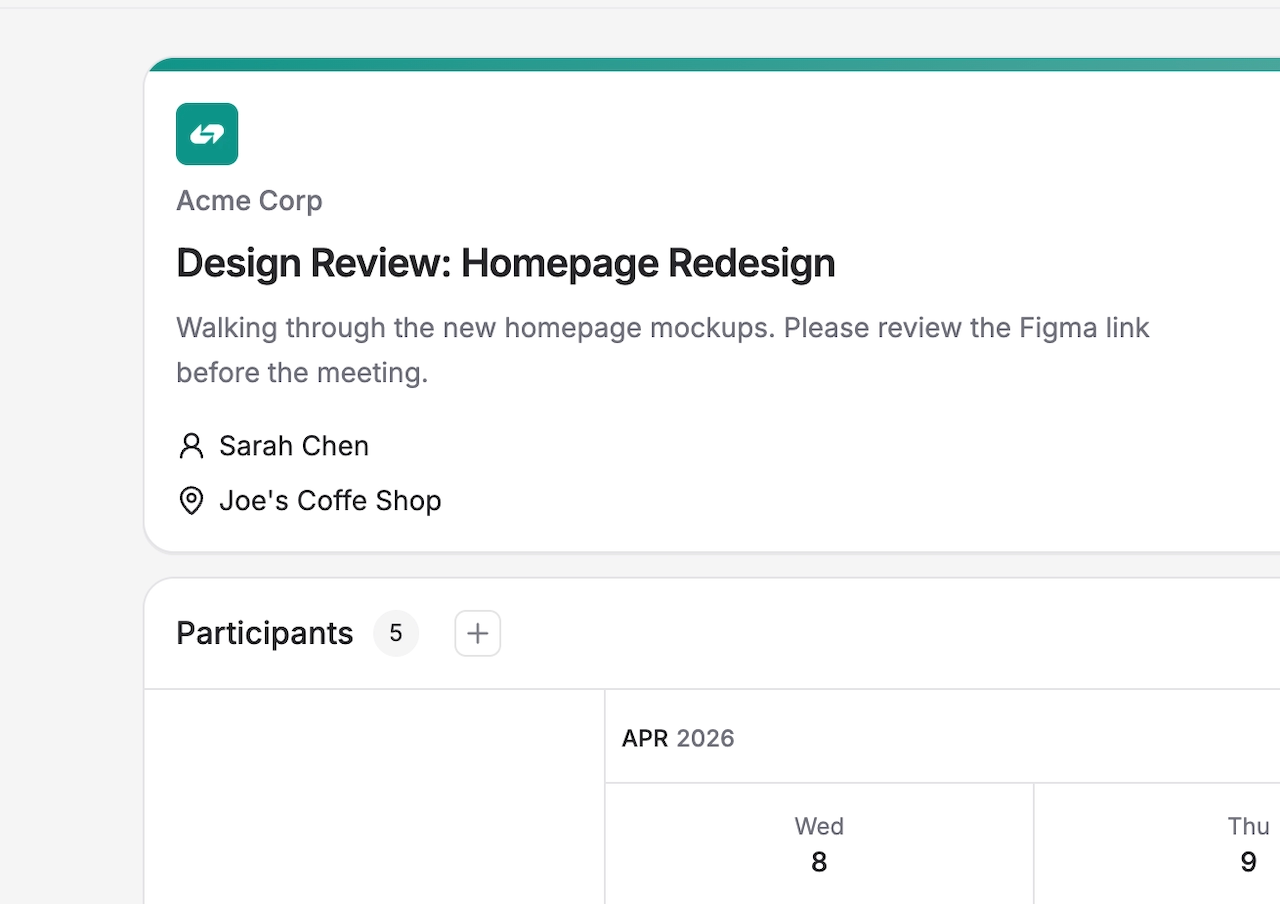
Custom Branding is a Pro feature that lets you replace Rallly’s default styling with your own brand identity. When enabled, your chosen primary color is applied to your public poll pages and outgoing emails.
Requirements
- A Pro space subscription
- Space Owner or Admin role
Enabling Custom Branding
- Go to Settings → General in your space.
- Under the Branding section, toggle on Enable Custom Branding.
- Use the color picker to choose your primary color.
- Click Save to apply the color.
Once enabled, your primary color will be used on all public-facing poll pages and emails sent to participants.
Upload your logo and give your space a custom name.
Disabling Custom Branding
Toggle off Enable Custom Branding in Settings → General. Rallly’s default styling will be restored immediately.